

A customs tariff item is the code that classifies a product in the customs tariff. In Saudi Arabia it decides the customs duty you pay, whether the goods are restricted or need a permit, which conformity requirements apply through SABER, and how the shipment is recorded in trade statistics. The code is based on the international Harmonized System (HS), and ZATCA publishes the Saudi tariff with a search tool on its portal. The importer remains responsible for the accuracy of the declared code, even when a customs broker files the declaration.
What a customs tariff item is
Every product that crosses the border is described twice: once in words on the invoice, and once as a tariff item on the customs declaration. The tariff item, which many people call the HS code, is the legal description. Customs relies on it, not on the commercial name, to apply duty, controls and statistics.
Saudi Arabia applies the common customs tariff of the Gulf Cooperation Council states, which is built on the Harmonized System used by most countries in the world. That shared base is why a product usually carries a similar code in the exporting country, and also why that code is only a starting point.
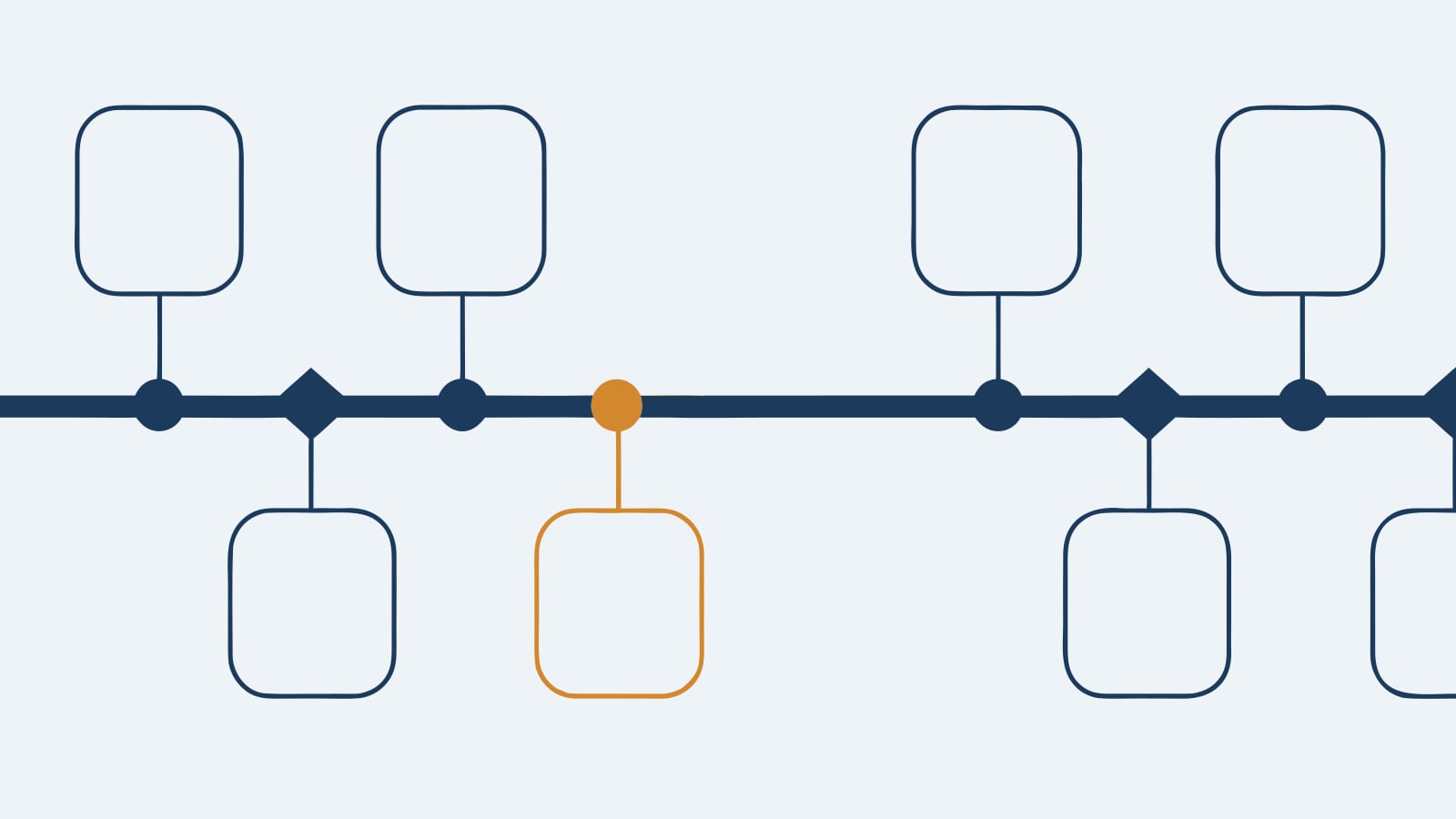
How a tariff code is built
The code is read from its first digit to its last, from the broadest group to the most precise description:
- Sections group goods into broad families, such as live animals, chemicals, textiles or machinery.
- Chapters are identified by the first two digits and narrow the family, for example a chapter for coffee and tea or one for furniture.
- Headings are identified by the first four digits and name a type of product.
- Subheadings are identified by the first six digits. Up to this level the code is the same in every country that uses the Harmonized System.
- National subdivisions are the digits that the Gulf tariff and the Saudi tariff add after the sixth, to separate products more finely for duty and control purposes.
Section and chapter notes sit alongside the codes. They are legally binding and often settle the classification, for example by excluding certain goods from a chapter.
Why the right classification matters
- Customs duty: the rate is set per tariff item, so two similar products can carry different duties. Import VAT is also collected at clearance.
- Restrictions and permits: some items are prohibited or need prior approval from a regulator, such as the authority for food and medicine or the regulator for telecom equipment. The tariff item tells customs which approvals to ask for.
- SABER conformity: for regulated consumer and industrial products, the SABER product conformity platform asks for the tariff code of each product and uses it, with the product description, to identify the technical regulation and the certificates required before clearance.
- Origin and agreements: duty-free or preferential treatment for goods of Gulf or other qualifying origin depends on origin rules that are often written per product.
- Trade remedies: anti-dumping and similar duties, where imposed, are tied to specific tariff items.
- Penalties and delays: a wrong code can lead to reassessed duty, fines under the customs law, goods held at the port, and a review of past declarations after release.
How to find the right tariff item
- Describe the product precisely. What it is, what it is made of, what it does and how, its form and how it is packed. Collect technical sheets, composition details and photos.
- Find the section and chapter. Start from what the product is, not how it is sold, and read the section and chapter notes before going further.
- Choose the heading. Classification is decided by the wording of the headings and the legal notes, applied through the General Rules for the Interpretation of the Harmonized System. When two headings seem to fit, the rules prefer the most specific description, then the material or component that gives the product its essential character.
- Narrow down to the subheading. Compare only the subheadings within the heading you chose.
- Find the Saudi tariff item. Search the tariff on the ZATCA portal to reach the national subdivision and see the duty and any listed requirements.
- Cross-check with the supplier. The first six digits on the supplier’s export documents should normally match yours. If they do not, find out why before shipping.
- Get certainty where the stakes are high. For new or unusual products, ask ZATCA for an advance classification ruling where this is available for your case, or have a licensed customs broker review the classification.
- Record and reuse. Keep a product master list with the code, the reasoning and the supporting documents, and use the same code on the invoice, in SABER and on the declaration.
ZATCA’s tariff tools and where to get help
- Tariff search: ZATCA publishes the customs tariff on its portal, searchable by code or by description, with the duty rate and the requirements attached to each item.
- Advance classification ruling: a written decision from ZATCA on how a specific product will be classified, requested before import. Check the current conditions and documents on the ZATCA portal.
- Customs brokers: they prepare and file declarations and can advise on classification, but the importer remains responsible for what is declared.
- Tariff updates: the Harmonized System is revised periodically and national rates change, so recheck the codes of your regular products whenever ZATCA announces tariff amendments.
Common classification mistakes
- Classifying by commercial name or marketing use instead of material, function and the legal notes.
- Copying the supplier’s full code. Only the first six digits are international; the rest differ from country to country.
- Choosing the code with the lowest duty rather than the correct one, which customs treats as a misdeclaration.
- Vague invoice descriptions such as “spare parts” or “accessories”, which invite inspection and reclassification.
- Splitting a set into its components, or classifying a complete machine as parts, without checking the rules for sets and parts.
- Using different codes for the same product in SABER and on the declaration.
- Keeping no record of why a code was chosen, which leaves nothing to show in a later review.
Frequently asked questions
What is a customs tariff item?
Is the tariff item the same as the HS code?
How do I find the tariff item for my product?
Can I use the code on my supplier’s invoice?
What happens if I declare the wrong code?
Innovant can review your product list and import documents and help you build a consistent classification record.
Book a free consultation with an Innovant advisor.
